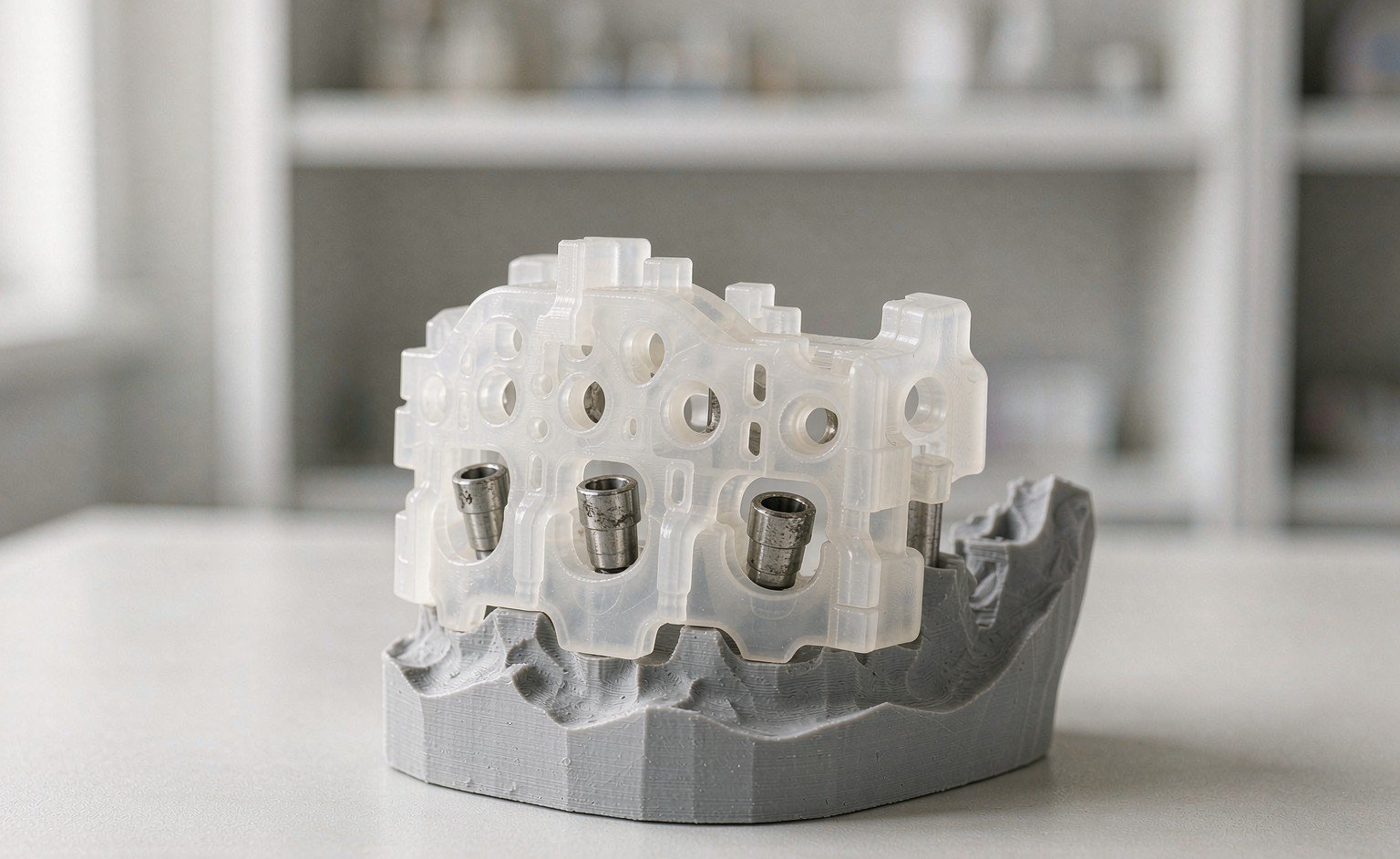
Surgical guide design is the step that turns an implant plan into something a surgeon can actually hold. The CBCT shows bone, the surface scan shows soft tissue and tooth positions, and the guide carries both into the mouth with drill sleeves set to the plan. The surgery date is already booked by the time the file reaches your bench, so the workflow behind it has to be fast and repeatable. This article walks through that process step by step, from the first DICOM upload to a print-ready guide. Your lab then knows what to send and what to expect back.
What CBCT actually adds to guide planning
A surface scan on its own is a picture of the outside. It shows tooth positions, ridge contours and soft tissue, which is enough for many restorative cases. Guided surgery needs more. The CBCT reveals bone height and width, proximity to the nerve canal and the sinus, and the true angulation at each site. Once the two datasets merge, the designer sees the clinical crown the patient shows and the bone the implant has to live in, at the same time.
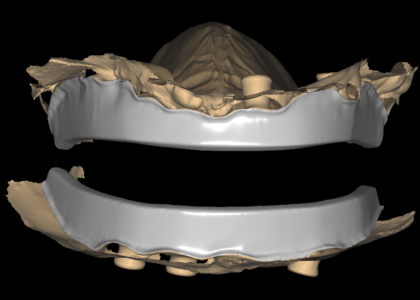
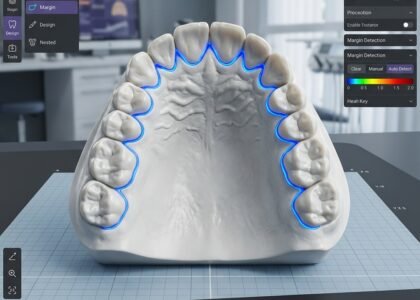
That merge is where most guide problems begin, so it deserves the most care in the whole workflow. We verify the alignment at recognizable anatomy before any planning happens: cusp tips, incisal edges, the outline of the palate or the lingual shelf. When radiological markers appear in the scan, we check that they register where they should. A drift of even a fraction of a millimetre at one landmark moves every sleeve position downstream. A guide is only as trustworthy as the merge underneath it, which is why we check the alignment rather than assume it.
The workflow from DICOM to print-ready file
Intake and case review
Every case starts with the inputs, and complete inputs save a full revision round later. We ask for the CBCT in DICOM format, plus the intraoral or model scan as STL, EXO or 3Shape files. We also need the implant plan itself. If your team plans in dedicated software, send the positions and depths and we design to them. Alternatively, send the scans alone and we draft the plan for dentist approval before we build any guide geometry. Finally, we need the surgical kit details, because drill diameters and sleeve systems differ between brands and even between kit generations.
Aligning the datasets
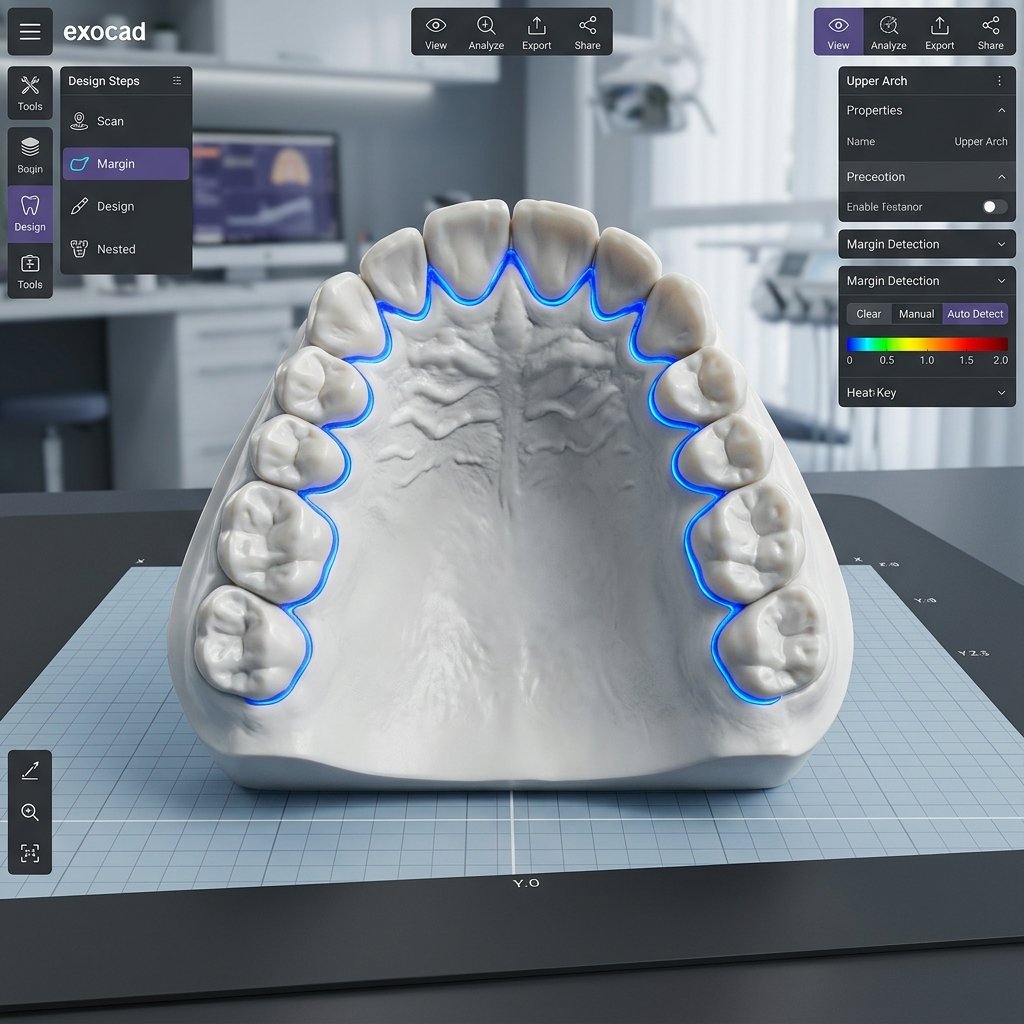
Once the files arrive, we merge the CBCT and the surface scan and check the result as described above. This is also the stage where data problems surface. Common ones include stitching artefacts across the arch, missing segments where the scanner lost contact, or a CBCT with an open bite registration. We ask before designing when something looks wrong, because a question at intake costs minutes while a remake costs the surgery date.
Planning positions and placing sleeves
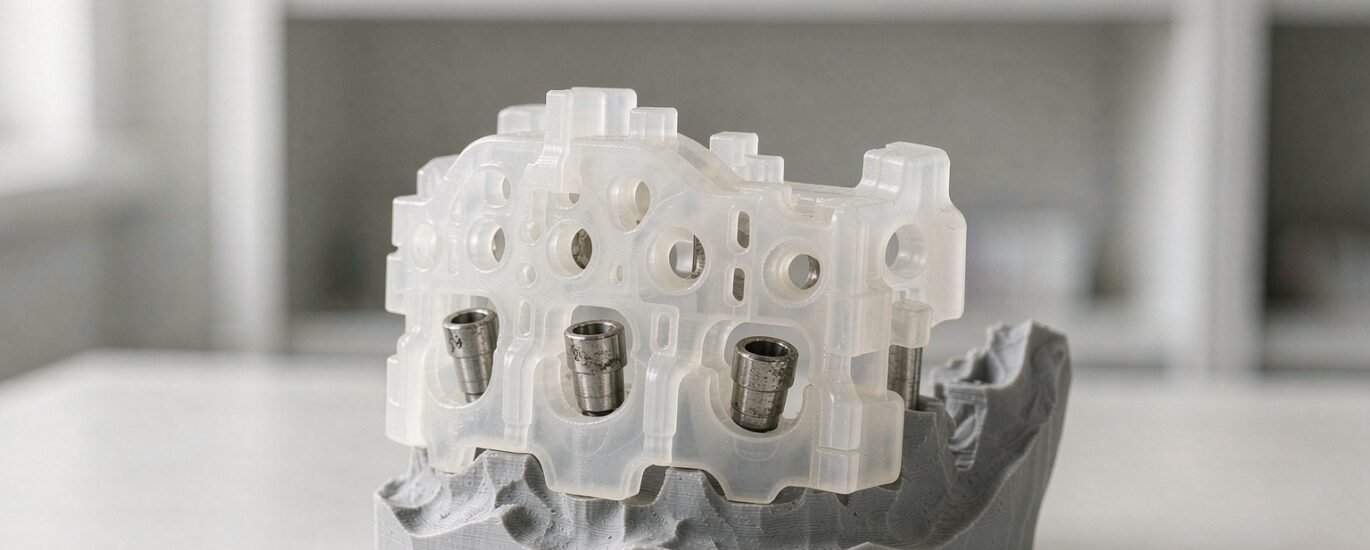
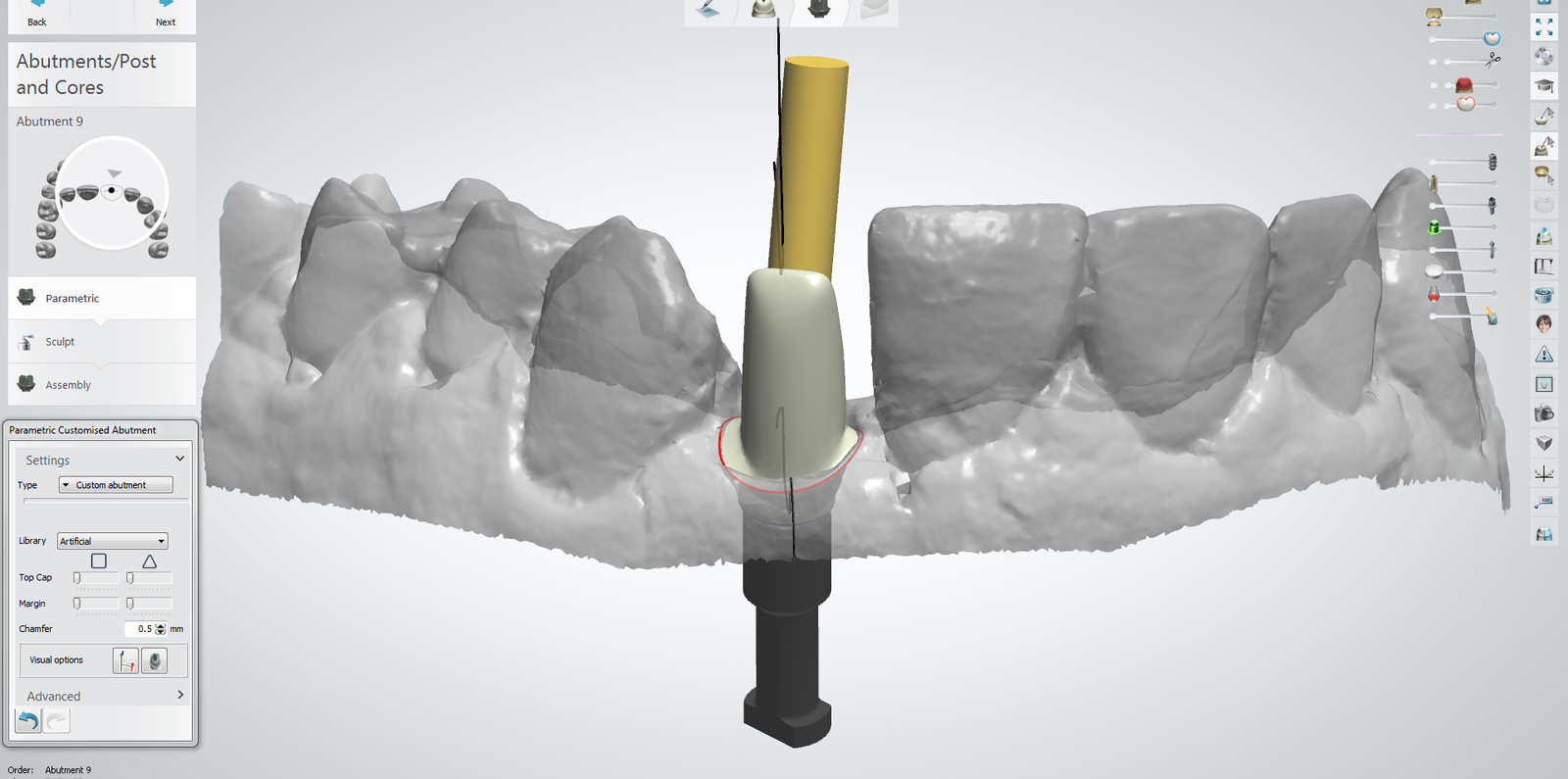
With a verified merge, we transfer the planned implant positions onto the anatomy. Depth, angulation and available bone drive each position, and the sleeve follows the drill sequence rather than the other way around. We match sleeve heights to your surgical kit, so the drills stop where your surgeon expects them to stop. For a fully-guided protocol, the template supports the complete sequence from the initial pilot drill to the final diameter. For a partially guided approach, a pilot guide carries the first osteotomy and the rest proceeds freehand. Both versions come out of the same planning discipline, just with different stopping points.
Support, windows and print setup
A guide that rocks on the seat is a guide that gets discarded chairside, so support planning gets real attention. Tooth-supported templates rest on stable contacts, while mucosa-supported designs need clearly defined bearing areas. We add irrigation windows where the drilling protocol calls for them. Before delivery, the file also receives orientation and support notes tuned for a resin printer. Your production floor can then slice it without guesswork.
Quality check and delivery
Before anything leaves the studio, a senior designer reviews the whole case: merge integrity, sleeve diameters against the kit list, seating surfaces, and wall thicknesses where the resin will be thin. The file then ships with construction information and screenshots of the key views. Standard turnaround is 12 to 24 hours from receipt of aligned inputs. We schedule urgent cases against the surgery date at intake, so the guide lands before the patient does.
Fully-guided or pilot: choosing the protocol
Labs sometimes ask which protocol is “better”, but the honest answer depends on the case. Fully-guided design suits sites close to vital structures, aesthetic zones where angulation is unforgiving, and surgeons who want every osteotomy controlled. A pilot guide suits simpler single-unit cases, experienced surgical teams, and situations where chairside flexibility is a feature rather than a risk. Production effort differs too, since a fully-guided template carries more sleeves and more print time. When a prescription leaves the protocol open, we recommend based on the anatomy and flag the choice for dentist approval rather than deciding silently.
Why guides come back for redesign
Most redesign requests trace back to a handful of causes, and each one is avoidable at intake. The alignment was never verified, so sleeves sit a hair off the planned positions. The sleeve heights did not match the kit on the tray, so the drill stops fell wrong. Support blocked the seating because a prominence on the ridge was never blocked out. Or the prescription said “standard kit” without naming it, and the design shipped against a different drill table. Sending the CBCT, the scan, the plan and the exact kit details together prevents nearly all of these before the first sleeve is drawn.
If your lab wants to hand this workflow off, that is precisely what our surgical guide design service covers, from CBCT-to-scan alignment to matched sleeves and print-ready files. You can also see how guide work fits alongside the rest of our dental CAD design services. To send the files with a note, visit our contact page and we will confirm the schedule before starting. The background on dental implant treatment covers the clinical context if you need a refresher for client conversations.