An efficient exocad design workflow separates a lab that clears its queue before lunch from one that designs past midnight. The software is fast, yet speed does not come from the license. It comes from habits: the small, repeatable choices a designer makes on every case. Below are the habits our designers lean on to keep design time short without touching fit or quality.
The same logic applies whether your team designs three units a day or sixty. Because exocad is a step-driven program, the order you work in matters as much as the tools you pick. That is true across computer-aided design in general, and dental CAD simply makes the stakes visible: a saved minute per unit is a saved hour per week.
Why the exocad design workflow decides your output
Design time is not one big block. It is a stack of small delays: hunting through menus, re-selecting the same tooth, re-opening a dialog you opened on the last case. Individually these are trivial. Across a hundred units, they add up to hours.
Skill still matters, of course. However, two designers with equal skill can differ by a third in output, and the difference is almost always method rather than talent. Speed also feeds quality in one more way: when a designer rushes the boring steps, the errors surface later as remakes, and a remake takes far more time than the minutes saved. A tight workflow protects the schedule and the remake rate at once.
Habit 1: Set Up exocad Defaults Before the Case Starts
Every decision you can make once should not be made twice. exocad lets you store defaults for materials, spacer values, contact gauges and articulation, so set them once per material and leave them alone. When a case needs an exception, change it deliberately and change it back.
Tooth libraries and material settings
Pick a small set of tooth libraries and stick to them. Swapping libraries mid-case eats minutes and produces inconsistent contacts between units. Similarly, store minimum-thickness rules per material, because a zirconia crown and an e.max crown should never share the same safety margins.
Defaults are not a prison, though. Review them once a quarter, because mill and material updates change the numbers. What matters is that changes stay deliberate and shared, so the whole team designs by the same rules.
Saved views and hotkeys
Most designers never edit their hotkeys. In practice, the four or five commands you use most deserve single keys: margin line, smooth, move and the cut tool. Saved occlusal and frontal views help as well, since you stop re-navigating the model every time you want to check a contact. Ten minutes of setup on a quiet afternoon pays for itself within the week.
Habit 2: Follow the Design Steps in Order
exocad orders its steps for a reason. Sculpting anatomy before the basal surface is settled, for example, usually means redoing both. Work in the sequence the program presents, and treat any jump-ahead as a warning sign rather than a shortcut.
Trace the margin line first
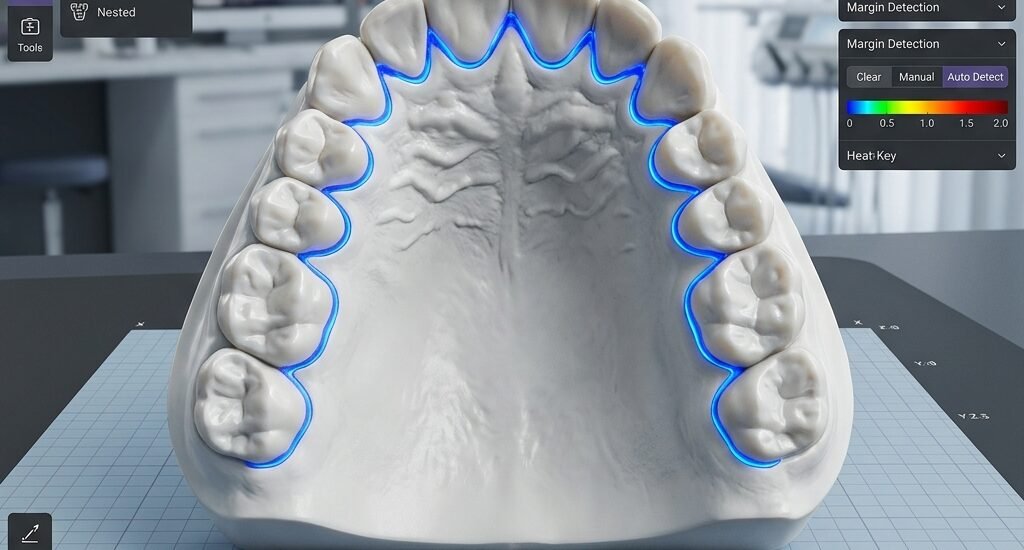
The margin decides everything downstream, so give it your full attention at the start. Trace it against the die rather than accepting an auto-detection, and zoom in on the two or three areas where scans are usually weakest. If a margin section is unreadable, stop and request a re-scan instead of guessing. Our crown and bridge design cases follow exactly this rule, which is one reason remakes stay rare.
Anatomy before artistry
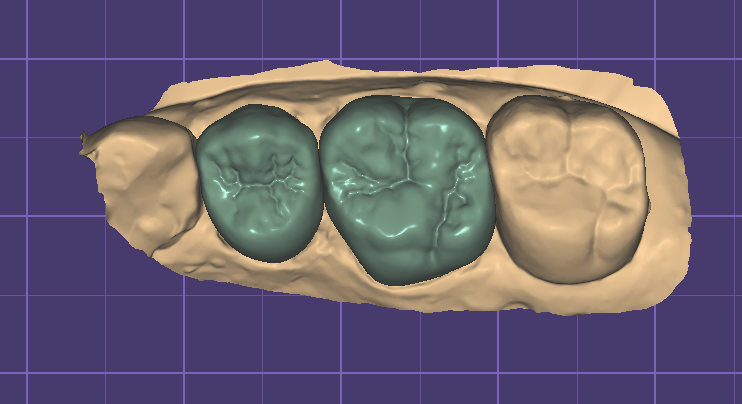
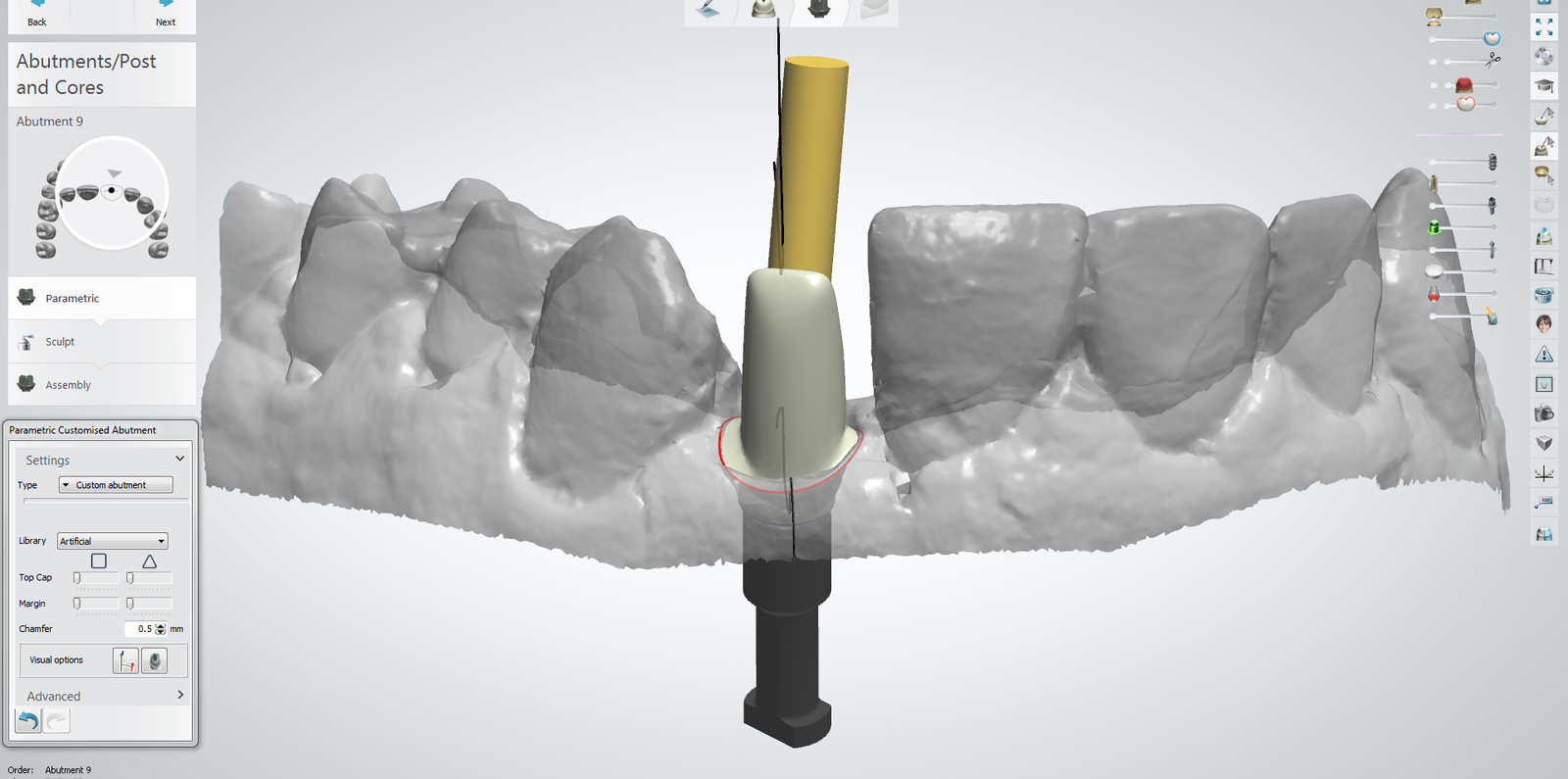
Build the anatomical shape from the library first, then adjust. Free-form sculpting from a blank shape looks impressive and wastes time. On implant work the same rule applies: set the emergence profile and the assembly before any texture or polish. You can see this order in our custom abutment design service, where the functional geometry is fixed early and cosmetics come last.
Occlusion deserves its own pass before export. Check the design against the opposing scan in dynamic movement, rather than in static contact alone. A static check finds the heavy spots, while a dynamic check finds the interferences that actually crack porcelain. Three minutes here prevents a remount at the chair.
Make the exocad Workflow Repeatable Across a Team
Habits only pay off at scale when they are written down. A one-page checklist per case type beats any amount of tribal knowledge, because a new designer can reach the team’s standard in days instead of months. Store the checklist where the cases arrive, and update it whenever a remake teaches you something new.
The same rule applies to exports. Name files the same way every time, attach the screenshots your technicians actually look at, and keep construction information in one predictable place. A file your bench can find in seconds is worth as much as a file designed five minutes faster.
Where outsourcing fits in
None of this means every case must be designed in-house. Many labs keep their designers on complex work and send routine units out, which keeps the queue moving without a new hire. If you try that route, choose a partner who already works in exocad every day and who follows your stored settings rather than their own. Our dental CAD design services run on exactly that basis: your protocol, our hours, files returned in 12–24 hours. You can compare the arrangement against your current bench load before committing to anything.
Outsourcing also sharpens the habits above. When every delivered file follows the same structure, your team stops re-learning each case and starts reviewing in minutes. Ask a prospective partner for a sample file before sending production work. Check that the margins, spacer values and file naming match what you already use.
Start with one habit this week, measure the change, and add the next. If you would rather test our bench first, send a real case through the contact page and judge us on the file, not the promise.