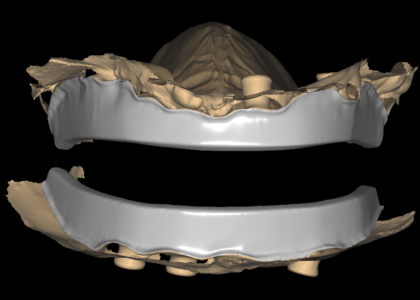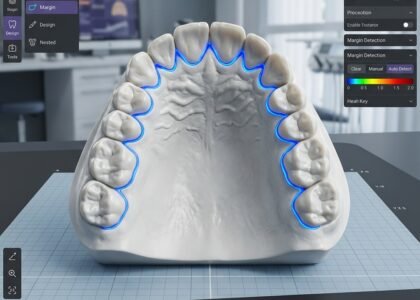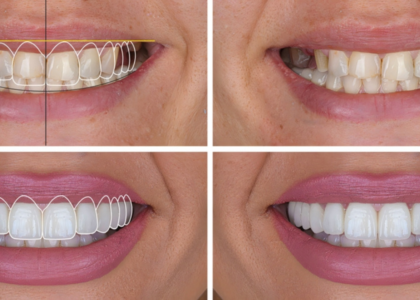
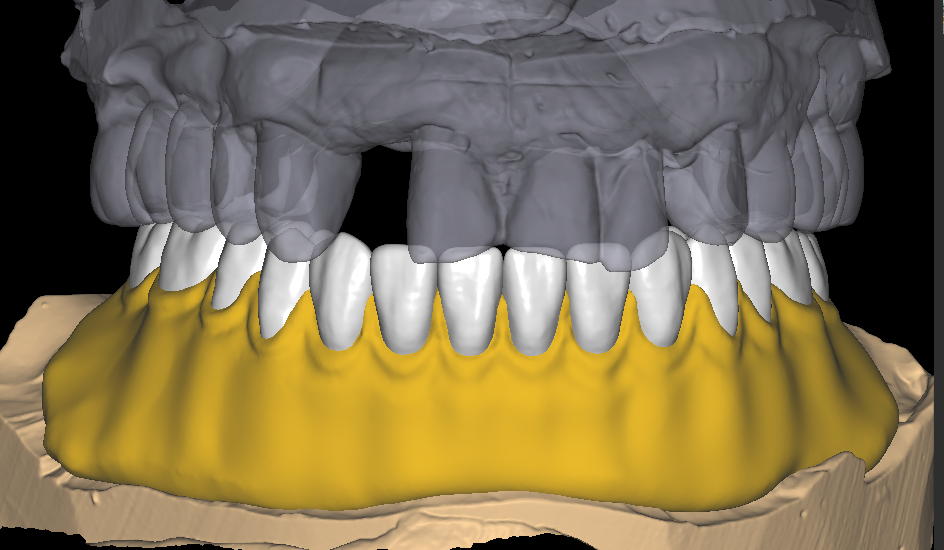
Digital denture design is the stage of a removable case that decides how the finished prosthesis will look, fit and behave in the mouth. Everything after design is manufacturing. Tooth mould selection, tooth position, base extension, relief and occlusion all get locked in while the file is still on screen. A mistake at that point costs a remake, not an adjustment. That is why laboratories moving dentures into a digital workflow spend more time on records and less on the bench, rather than less time overall.
This guide walks through the workflow we use every day in exocad and 3Shape, from the records a lab sends to the try-in stage and the final release. Laboratory owners and removable department supervisors will find a repeatable process here, not a one-off save.
What digital denture design changes for a laboratory
The change is not really about software. It is about when decisions get made. In an analog case, the clinician judges tooth position on a wax rim at the chair. Corrections then arrive after the patient has already seen something physical. In a digital case, the same decisions move earlier, onto a screen, where they take minutes instead of a remake.
Fewer physical try-ins, faster approval
A printed or milled try-in still gives the patient something to look at, and most clinicians still want that step. The difference is what sits behind it. The designer can revise the setup in the file and reprint it fast. A request for a slightly longer central or a wider smile line then does not push the appointment out by a week. Vertical dimension works the same way. If the bite needs to open a millimetre, that change happens in the design rather than in a new wax rim.
Digital also makes a case repeatable. Once your tooth mould preferences, midline rules and base parameters sit on file with your design partner, the next case starts from that baseline. Consistency is what a removable department is really selling.
The digital denture design workflow, start to finish
The shape of the process is simple. The details are where cases succeed or fail, and every step below has to be closed before the next one starts.
Records and scans: the part your lab controls
The design is only as good as the data behind it. Send final impressions or model scans together with a bite registration. A scanned registration is better than a photographed one, because the designer can register it numerically. Add vertical dimension and midline records where you have them, plus patient photos if aesthetics matter.
For immediates, mark the extraction sites clearly. State whether the setup should allow room for post-op adjustment. Missing or ambiguous records generate more revision requests than any other single cause, and they are the cheapest thing to fix before a case leaves your bench.
Tooth setup, base design and occlusion
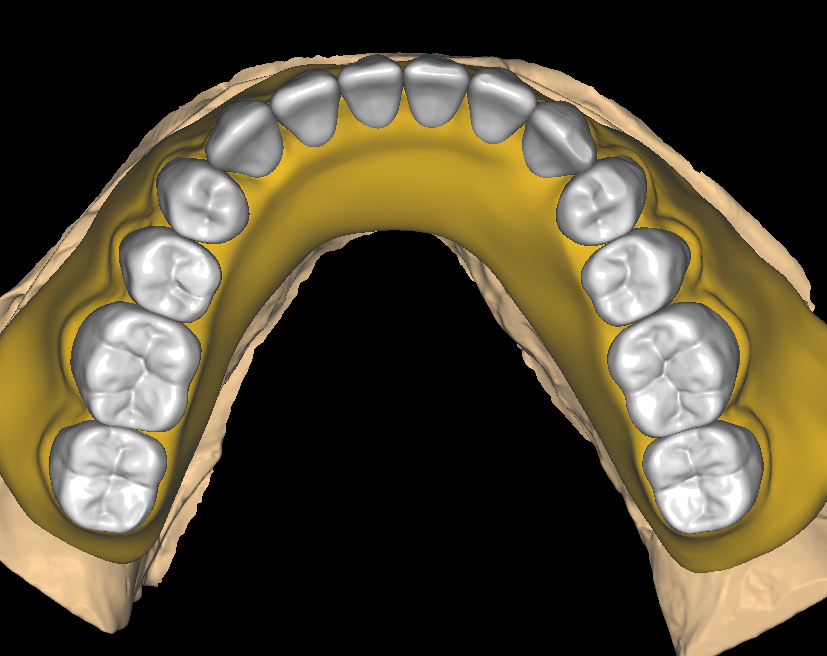
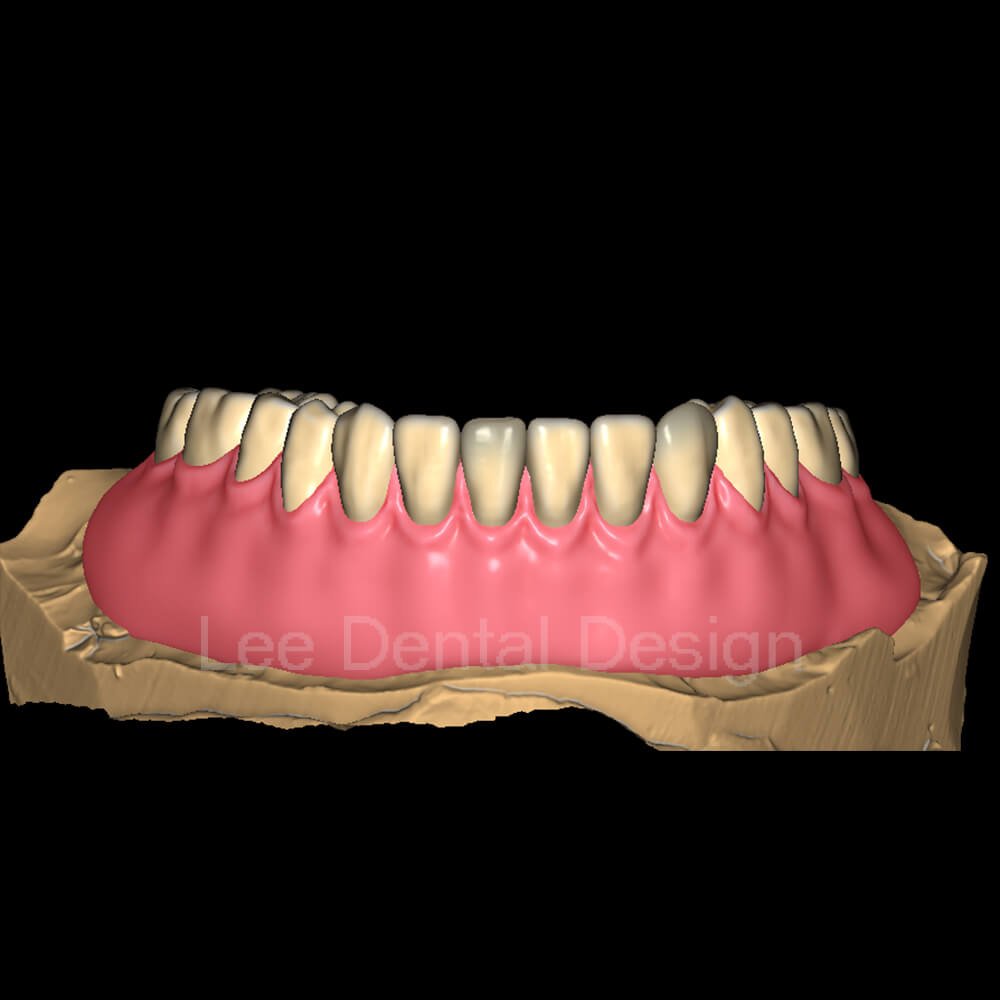
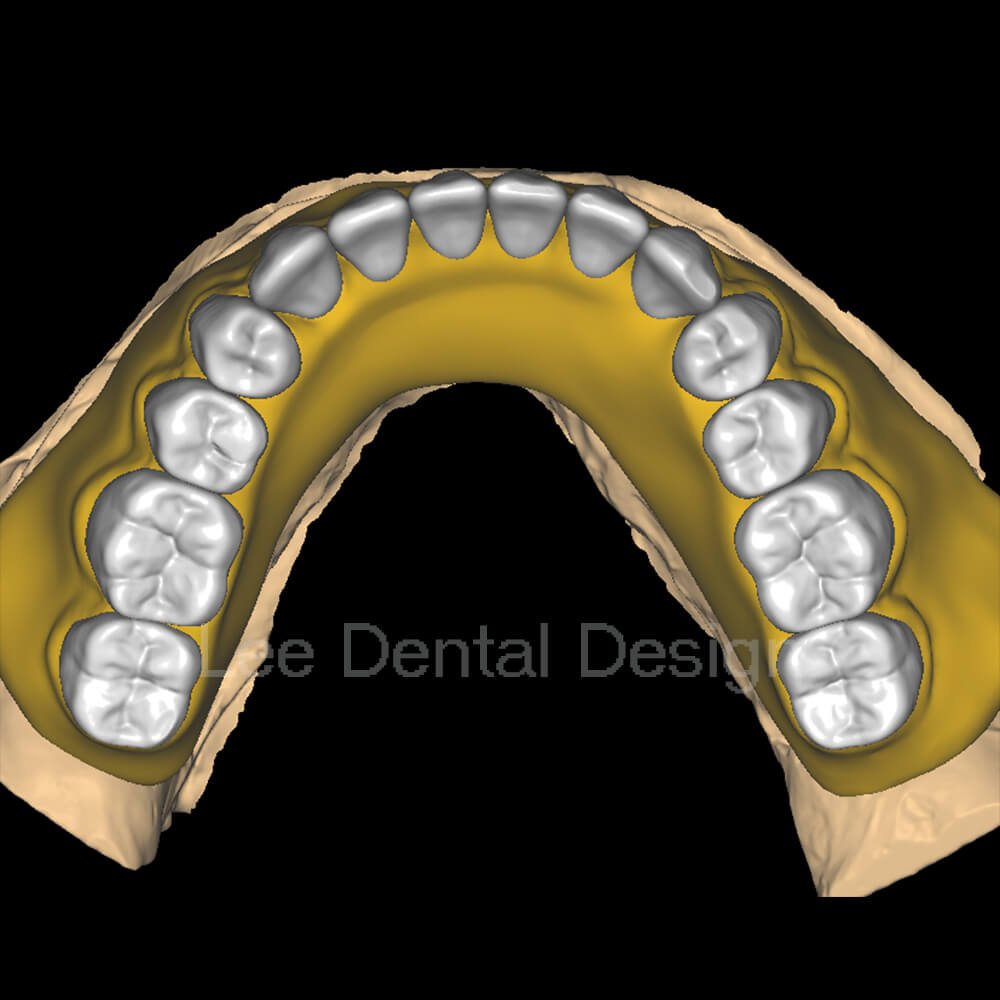
With clean records, the setup itself moves quickly. The designer picks a tooth mould and shade from the library your lab already uses, then sets tooth position against the ridge and the neutral zone. The anterior esthetic line gets checked against the references you supplied. Next comes the base: border extension, posterior palatal seal, relief over the torus or any sharp ridge, and a thickness that suits the material your line runs. Occlusion is finished to your chosen scheme, balanced or mutually protected. The case sheet documents it, so your technician can verify without guessing.
Try-in approval and revision control
Most laboratories take a try-in setup stage first. You receive the setup, the clinician or patient approves it, and we finalise the base and occlusion on the same case. Nothing gets designed twice. If an adjustment comes up, a short written note is enough. Send the file back with a description of what should move, and the reworked version returns within the standard turnaround of 12–24 hours. Keeping those notes on the case, rather than in a chat thread, stops the same correction from recurring on the next patient.
Denture design details that prevent remakes
Some errors show up in the mouth on delivery day. Others show up three weeks later. Both are avoidable, and neither needs new equipment.
- Insertion direction and block-out. Undercuts blocked out consistently on the survey save a technician a fight at the polishing stage.
- Border extension. Over-extension causes sore spots. Under-extension kills retention. Check the functional border against the scan, not against memory.
- Posterior palatal seal. A shallow seal loses suction. Mark it explicitly and check thickness after processing.
- Tooth position at the midline. A midline that drifts half a millimetre is visible in every photograph the patient takes.
- Occlusal contacts. Verify contacts in the design before processing starts, not after the patient reports a sore ridge.
Printed or milled: matching the file to your line
Printer and mill settings change the design. A printed base needs different minimum thickness and drain paths than a milled PMMA puck. The tooth library also has to match what you can actually produce. Tell your design partner once what you run, and the parameters get stored against your account. Future cases then arrive pre-configured. Output formats matter too. Open STL, EXO and 3Shape exports drop into an existing production line without a conversion step.
How to send a denture case
Keep the submission short and specific. Send the scans, or final impressions digitised as models, together with the bite registration. Add any vertical dimension records and your tooth mould and shade preference. State the case type: complete acrylic, immediate, interim, duplicate, or a partial with a framework. Then give the deadline.
An urgent case changes the queue order, not the design itself. Our acrylic denture design service covers complete, immediate, interim, duplicate and try-in setups, with base design, relief and occlusion finished to your protocol. Every file gets a senior review before release, and standard turnaround is 12–24 hours. If you want to see how that fits the rest of your production, browse the full range of design services. Or send a real case from this week and judge the setup, the documentation and the timing for yourself. The contact page takes the files, and we confirm the design path the same working day.
Technicians have designed removable prostheses on a bench for a century, and the clinical principles have not moved. What changed is where the decisions get recorded. Complete dentures still depend on extension, seal and tooth position. Those are exactly the variables a digital denture design puts under your control before processing starts. Pick one case and send it. The file comes back within 12–24 hours, and you can check the setup and the base with your own eyes.