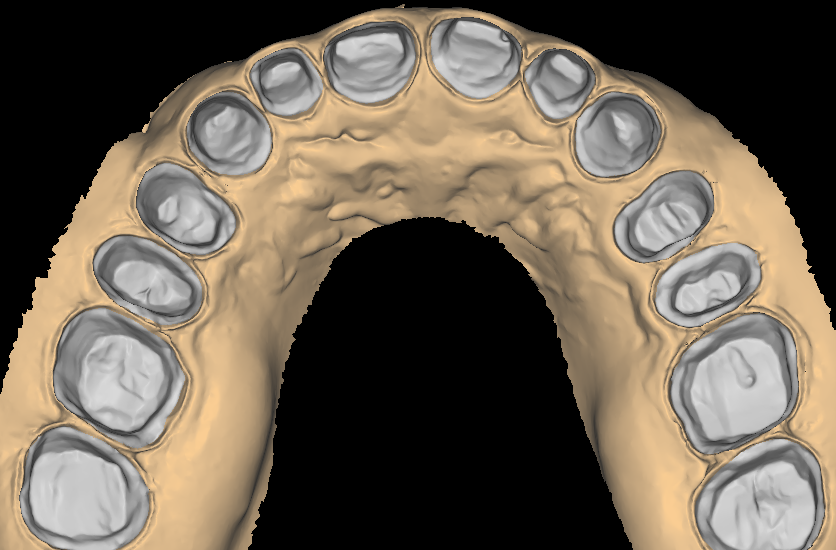
Every digital restoration starts on a model. E-model design takes the raw scans your clinic sends and turns them into clean, based and printable digital models. Each one carries the trim style and base thickness your bench expects. The work sits quietly behind every crown, aligner and guide you produce. In practice, model quality decides how everything downstream behaves, so it deserves the same discipline as any restoration.
This guide covers what a proper e-model includes and where printed models earn their keep in a modern lab. It closes with the case for one house style, plus how to send a first case out. Read it before you judge your own model library.
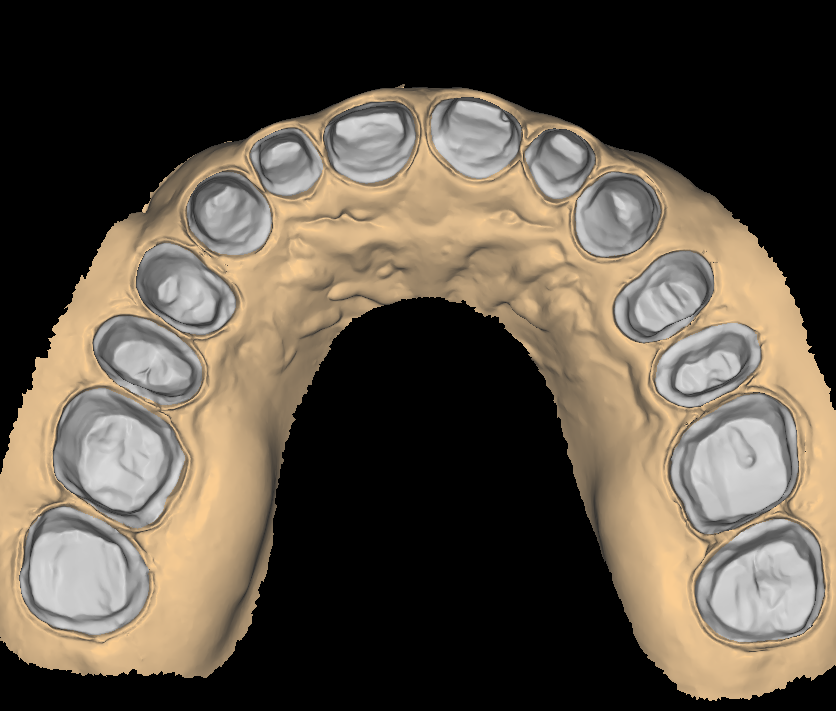
What E-Model Design Includes
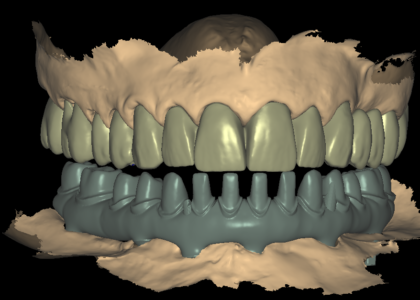
A usable e-model is more than a scan with a slab under it. The scan surface needs repair first, because small holes, chatter marks and soft-tissue artefacts survive most intraoral scanners. Only then does the base work begin. Trimming, basing and articulation each follow rules that experienced designers apply case by case. The three decisions below shape every model you print.
Trim and Base Design Decisions
Two trim styles dominate lab work. Hatch-based models carry a small notch at the rear and suit most restorative cases, because they print fast and use less resin. Plain horseshoe trims are common for study models and orthodontic records, where the arch outline matters for documentation. Base construction follows a similar split.
Solid bases suit small sections and single dies. Hollow bases with the correct wall thickness print faster and save resin on full arches, yet a wall that is too thin will deform when supports come off. Base thickness deserves a decision rather than a default. Consistent thickness across your library also makes packing and stacking predictable.
Articulation Options Compared
Cases with opposing arches need some form of articulation. A virtual articulator works inside the design software and covers most crown and bridge checks. Magnetic-dowel printable bases split into halves that reassemble on the bench, which helps when a technician wants the working side free. Finally, simple hinge articulation handles the rest. Because each option changes how the model prints, a good design partner asks before defaulting to one.
Repair the Scan First
Scan quality varies between clinics and between scanners. Stitching errors, open areas in the mesh and noisy soft tissue all surface at the worst moment, which is the print bed. Healing the scan before basing means the model grows from a clean surface rather than a raw mesh. That single step protects every downstream design that references the model, from copings to aligner setups.
Where Printed Digital Models Earn Their Keep
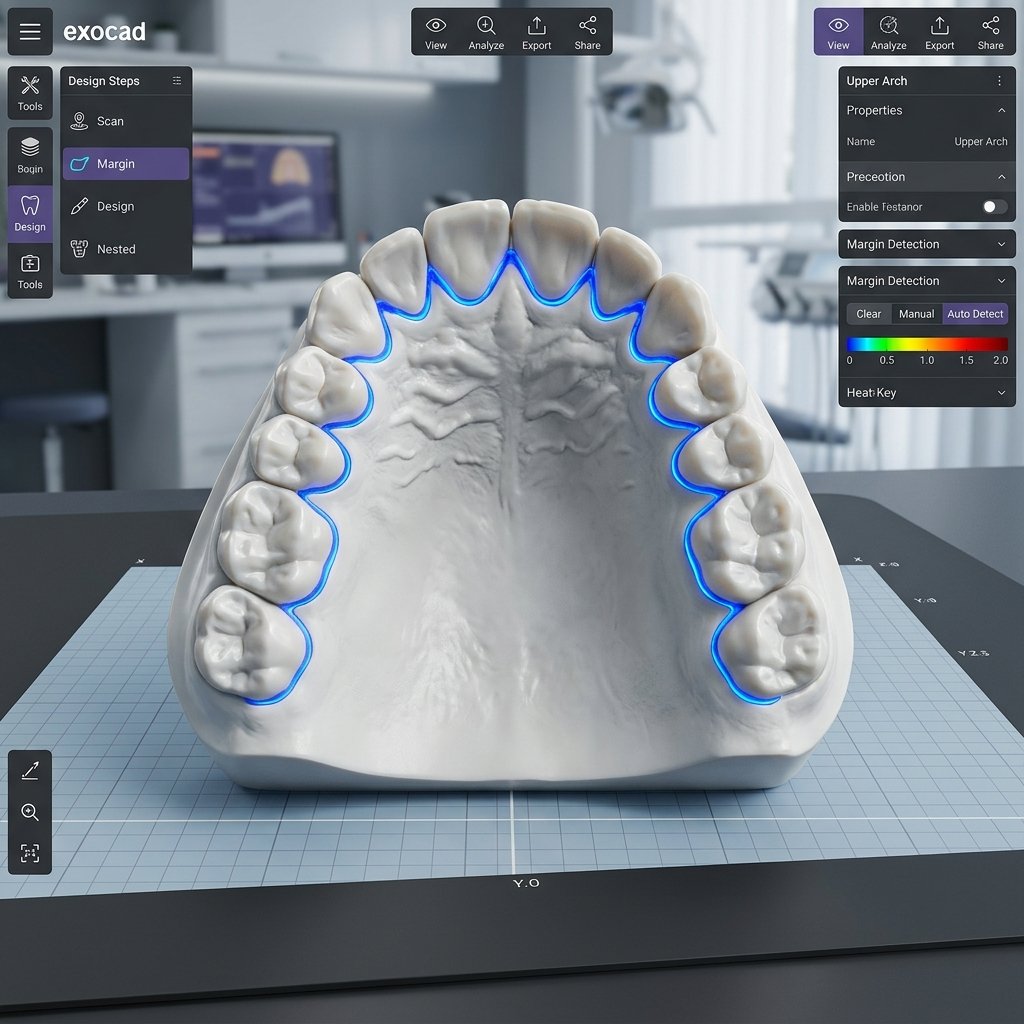
Printed models have replaced stone in most digital labs, and for clear reasons. Files reprint on demand through additive manufacturing, store for free and travel between sites in seconds. Still, the gains only arrive when someone designs the model properly. Three use cases come up week after week.
Models for Crown and Bridge Work
Sectioned models with removable dies remain the standard for single units and short bridges. Dies need correct thickness, a clean finish line and a print orientation that keeps them dimensionally stable. Working and opposing models must seat together at the recorded bite, or every occlusal check on the bench turns into guesswork. A well-built sectioned model makes the fit check routine instead of stressful.
Orthodontics and Aligner Records
Aligner planning depends on a clean arch surface with accurate occlusion between the arches. Study-model series for documentation need identical trim and bases across the set, so the records look consistent to the clinician. Batch processing against one standard solves both needs. Meanwhile, labs that send this work out keep their printers fed without pulling a technician off production design.
Implant and Surgical Support
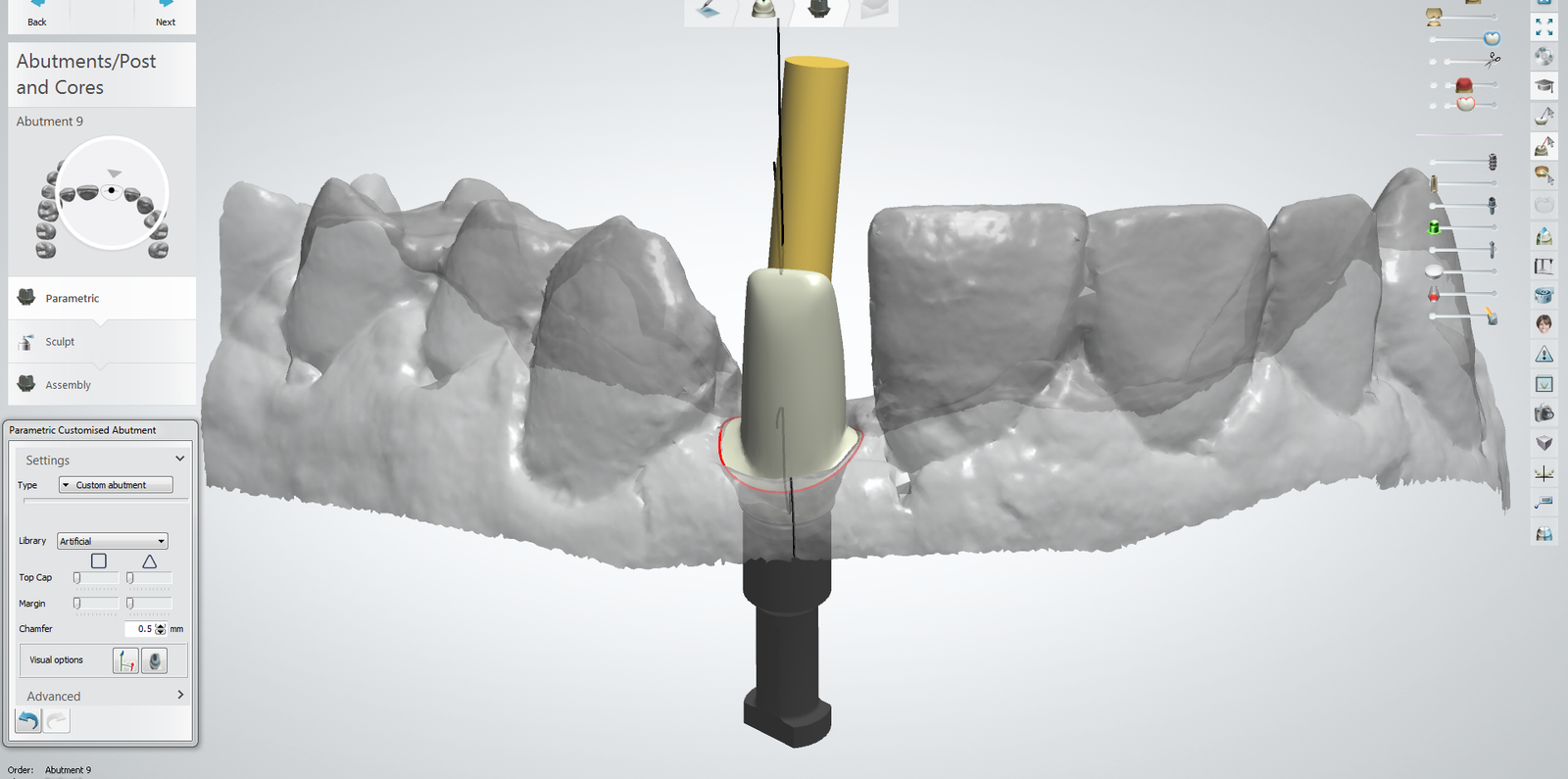
Implant cases often need printed soft-tissue models to check emergence profiles, plus models that hold a surgical guide during verification. The same rules apply: heal the scan, base to house style, orient for the printer. When one partner handles both the model and the custom abutment design, the two files get checked against each other before anything ships.
One House Style Across Your Model Library
A model library built by whoever had time that week looks exactly like that. Trims drift, base thickness wanders, and three articulation systems share the same shelf. Nobody complains out loud. Still, each inconsistency slows the bench and shows in client photos.
Standardising e-model design to one house style changes the daily experience. Every model that reaches the bench trims the same way, bases the same way and articulates the same way. A new technician learns one system instead of four. Case photos sent to clients carry a consistent look, which reads as competence before anyone says a word.
Labels belong in the same conversation. A base with the case number and arch printed into it removes the sorting step and prevents mix-ups when several cases share a print plate. Labelling takes seconds at design time and saves confusion every day after. Together with trim and articulation standards, it turns a pile of models into a library.
Sending Your First E-Model Case
The submission is simple. Send intraoral scans or model scans in STL, EXO or 3Shape formats, together with a bite registration whenever the case needs articulation. Note your base preference, or ask us to set a house standard for your lab and apply it from then on. A designer reviews the files against your note, and any questions come back before the design starts, not after.
Standard turnaround is 12-24 hours from receipt of complete records. We schedule batch series against your print calendar, and urgent cases get confirmed before work begins. Whether you need one working model tomorrow or a fifty-case study series over a month, the process stays the same. The e-model design service page lists the full scope, from trim styles to batch handling. Meanwhile, our design services cover models alongside the restorations they support, so one partner can hold the whole workflow.
Clean models make every other design easier. If your printer runs all day but model work keeps backing up, send one case through and judge the file quality, the trim and the turnaround for yourself. Reach us through the contact page, and we will confirm the schedule before anything starts.